AWS-Logo_White-Color
1.
Introduction
2.
Preparation
2.1
Enable ROSA
2.2
Generate Access Key
2.3
Install ROSA
2.4
ROSA Authentication
3.
Create an OpenShift cluster on AWS (ROSA)
4.
Deploy application on OpenShift cluster
5.
Set up CI/CD Workflow basic
5.1
Create New Repository on CodeCommit
5.2
Configure CodeBuild
5.3
Configure CodePipeline
6.
Set up CI/CD workflow for application deployment
7.
Clean up resources
More
AWS Study Group - Blog
AWS Study Group - FB Group
English
Tiếng Việt
Clear History
Workshop
Cloud Journey
Last Updated
10-12-2024
Team
Tùng Cao
Gia Hưng
Red Hat OpenShift Service on AWS
>
Preparation
> Enable ROSA
Enable ROSA
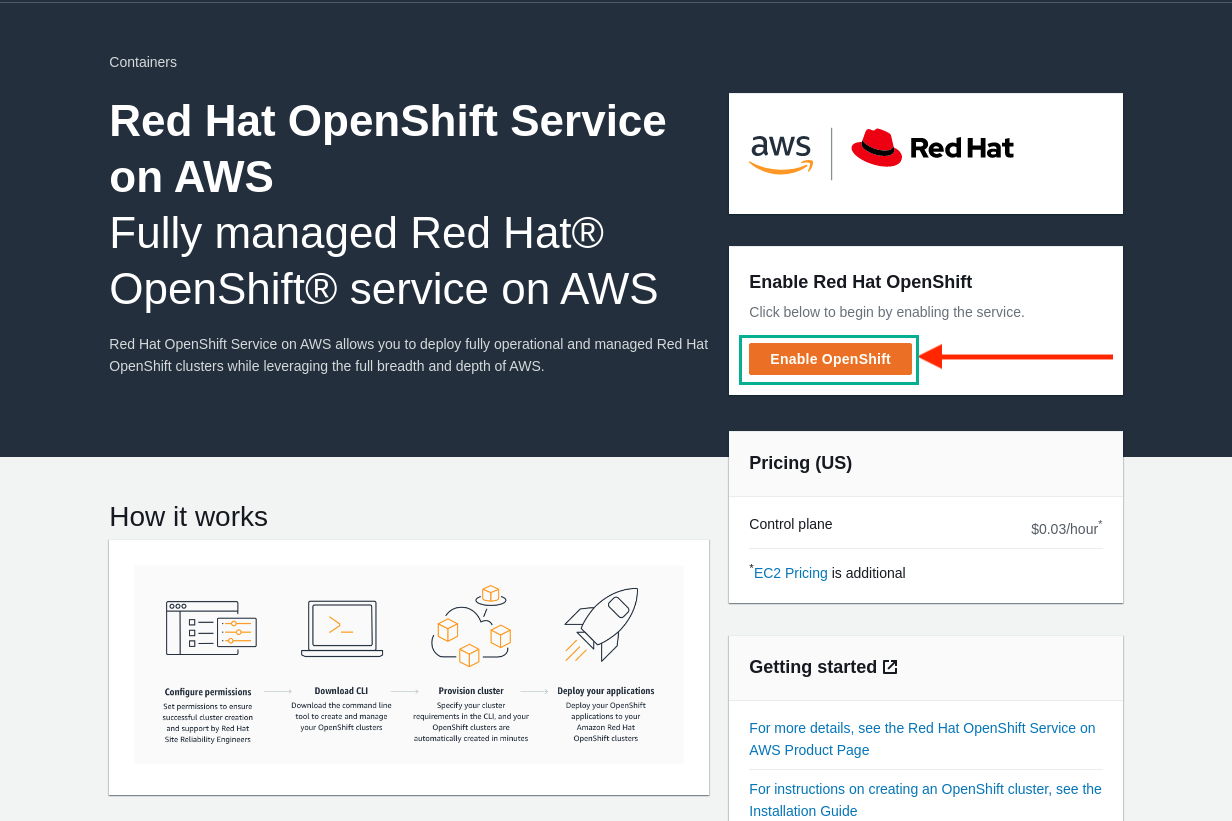
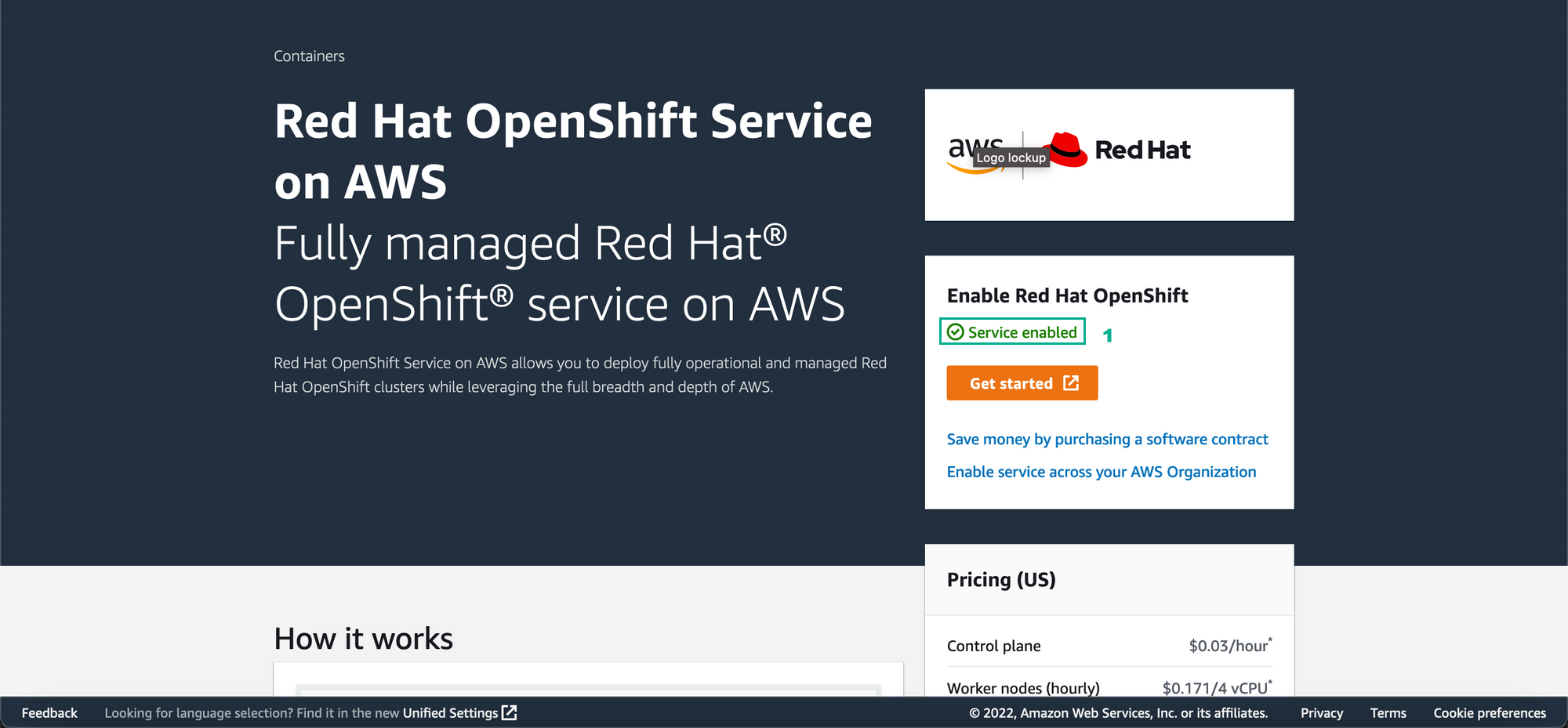
Enable ROSA service on AWS console
Go to
Red Hat OpenShift Service on AWS.
Select
Enable OpenShift