Configure CodePipeline
Configure CodePipeline
To configure CodePipeline, follow these steps
-
Access to CodePipeline interface
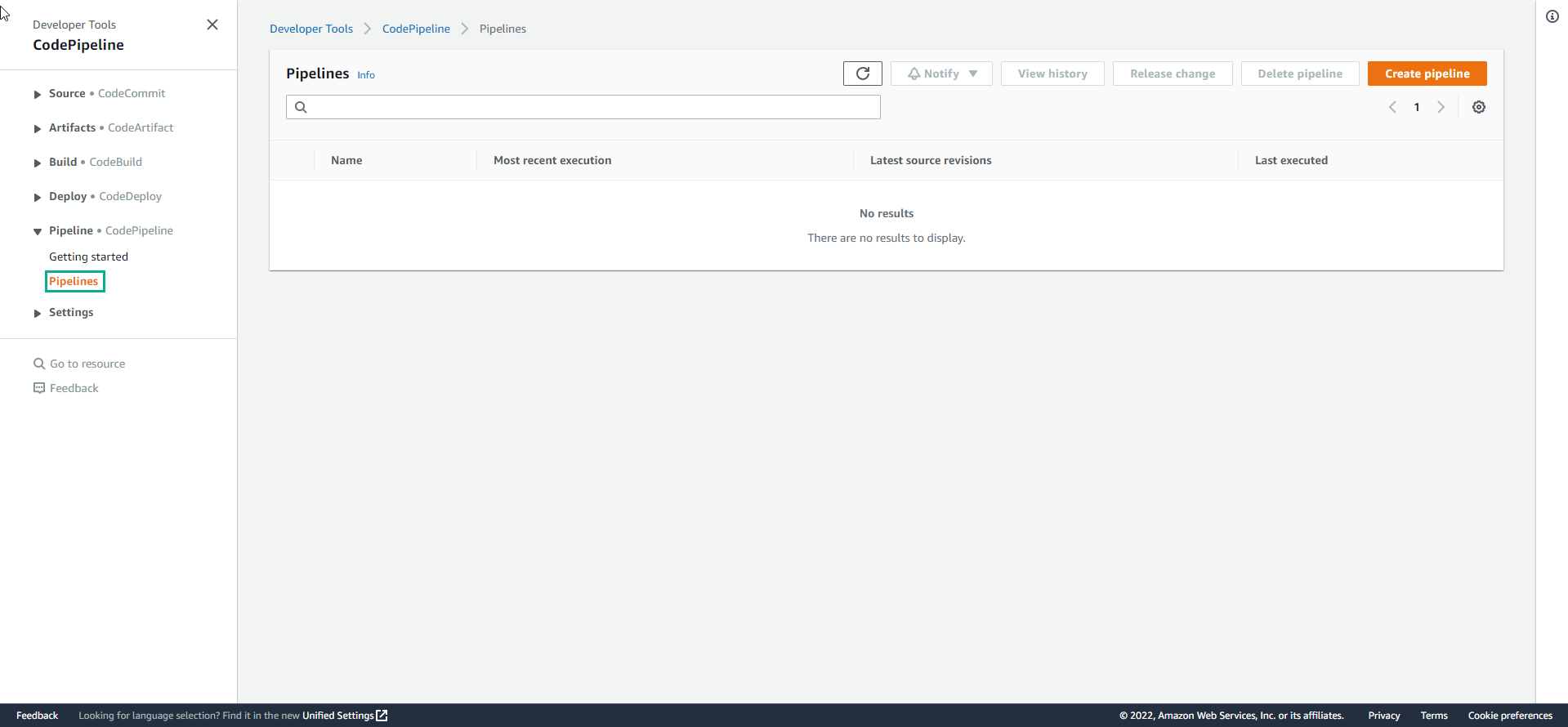
- Select Pipeline
- Select Create pipeline
-
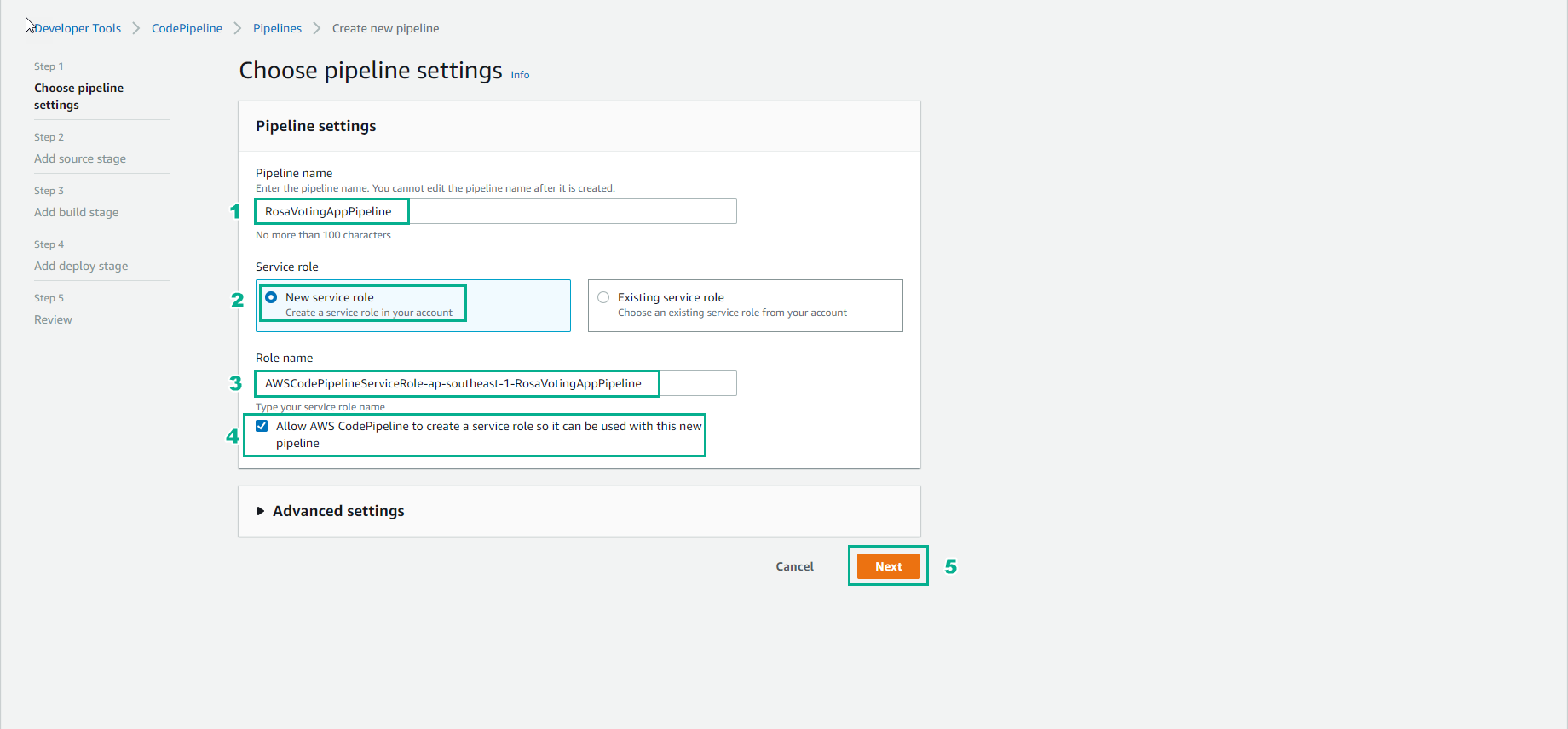
- Choose pipeline settings
- Name: RosaVotingAppPipeline
- Leave the remaining options as default
- Select Next
-
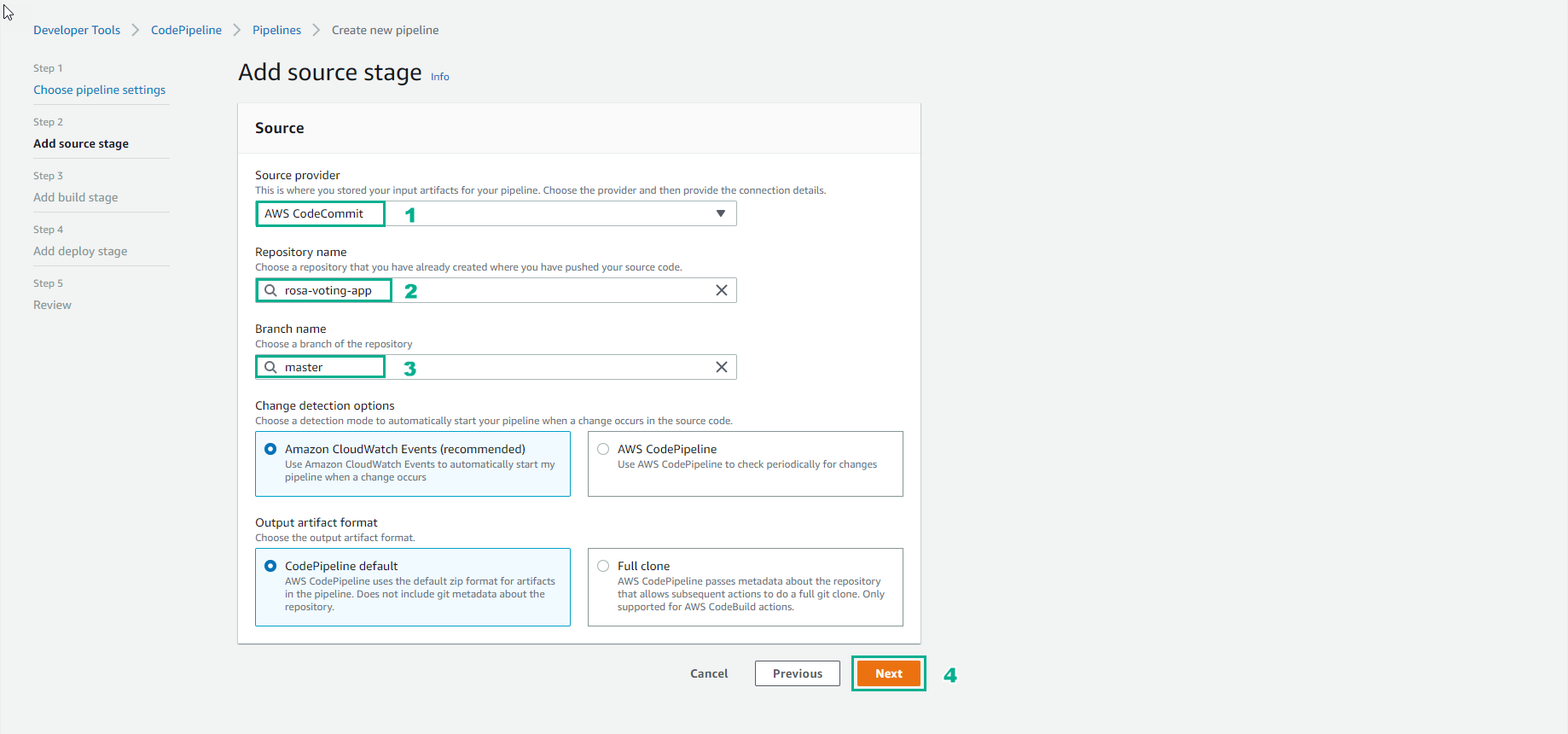
- Source:
- Source provider: CodeCommit
- Repository: rosa-voting-app
- Branch: master
- Leave the remaining options as default
- Select Next
-
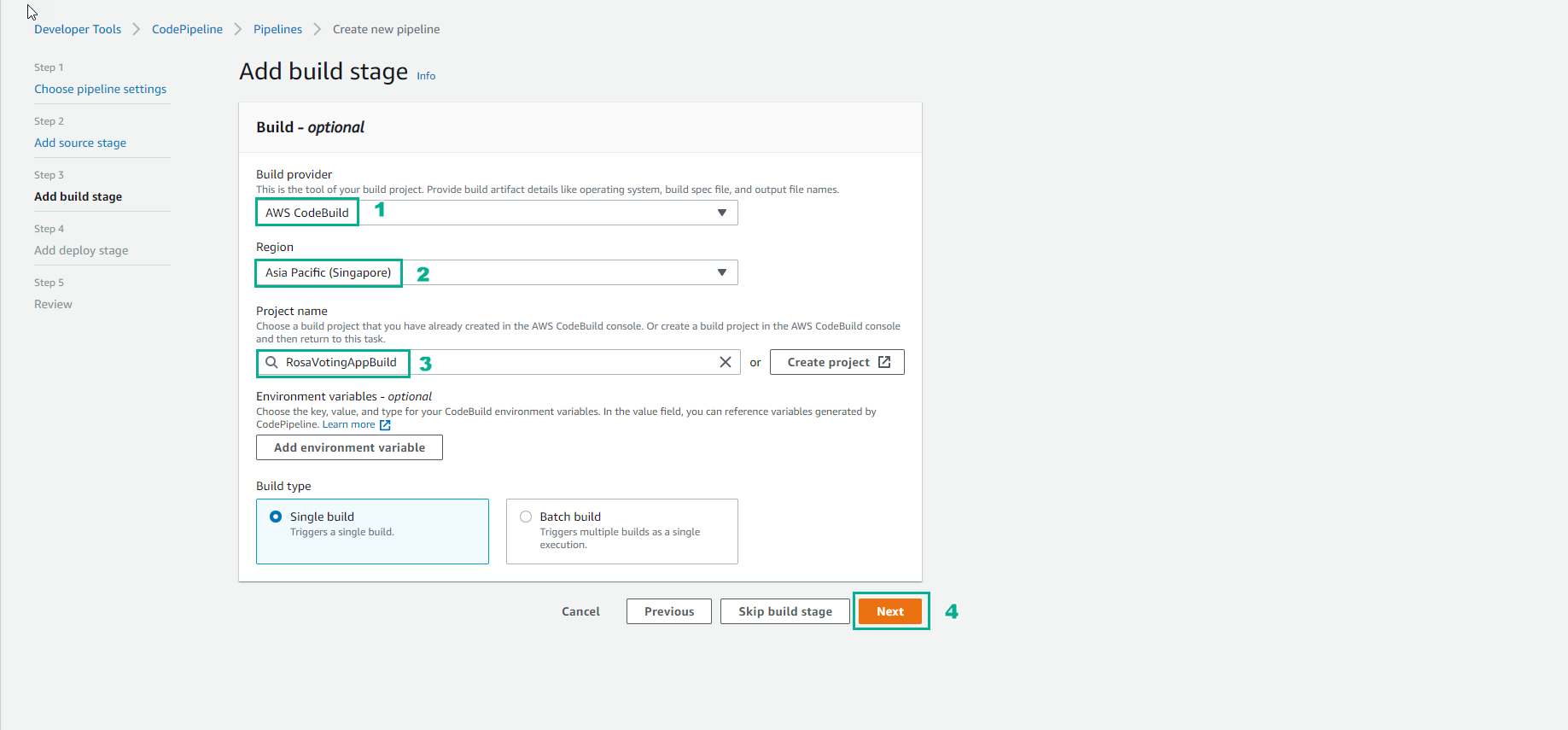
- Build:
- Build provider: AWS CodeBuild
- Region: Singapore
- Project name: RosaVotingAppBuild
- Leave the remaining options as default
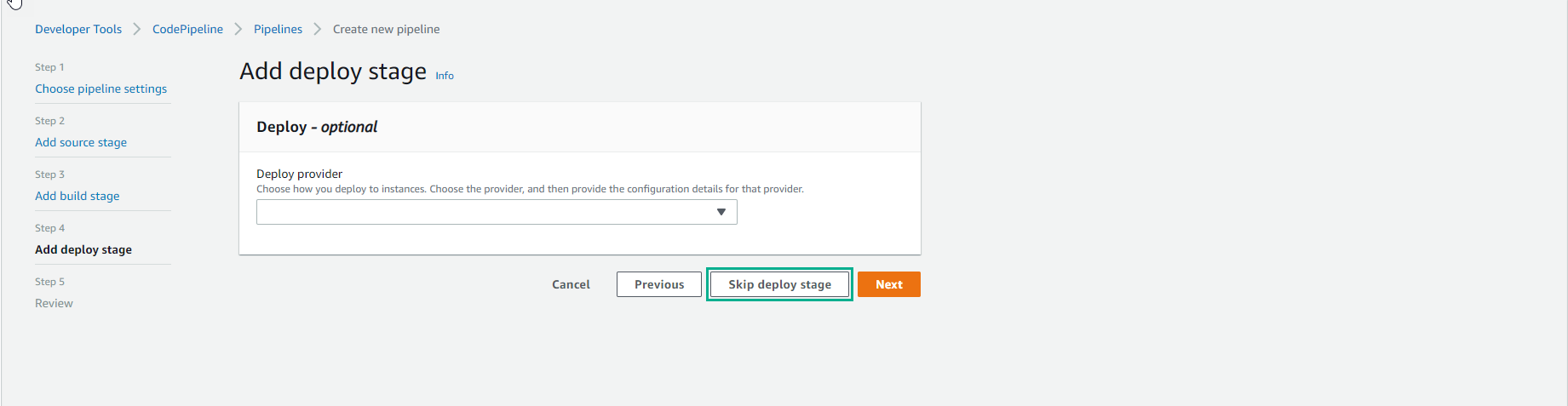
- Deploy:
- Skip deploy stage deployed by us using OpenShift Cluster
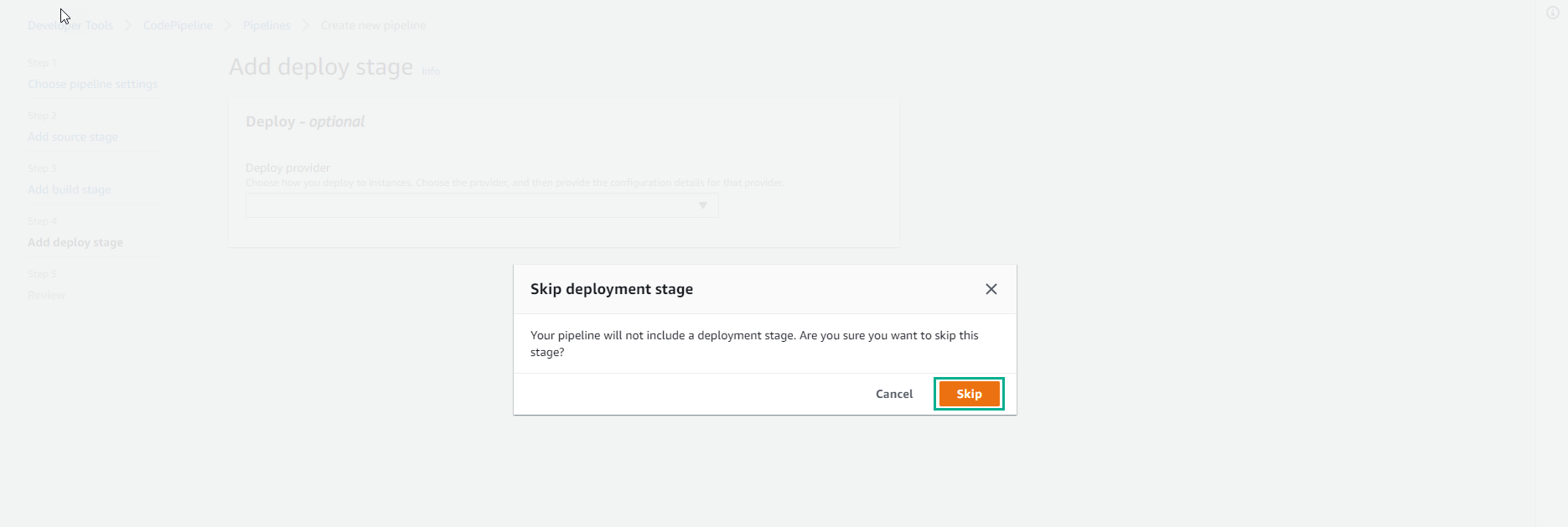
- Select Skip
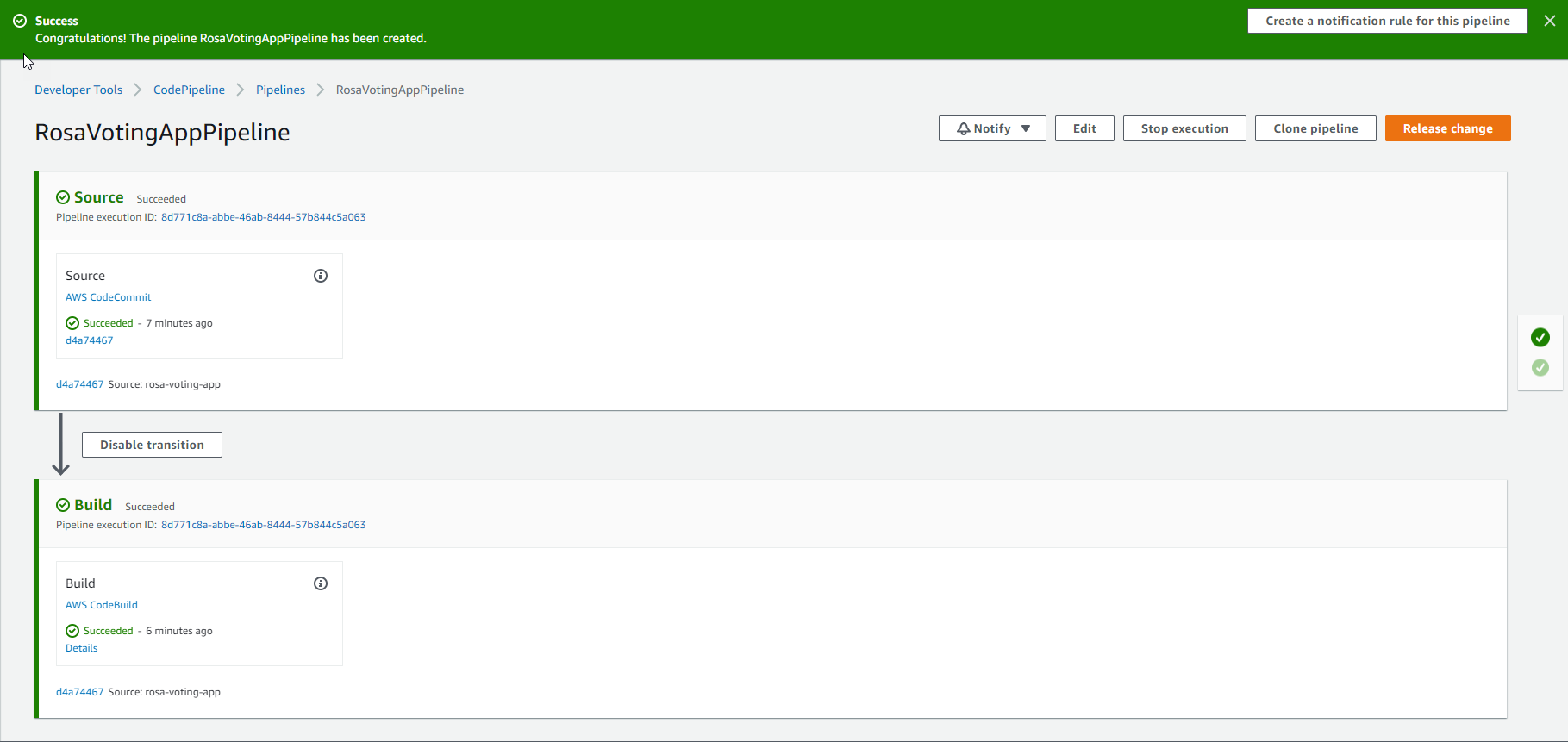
- Select Create pipeline
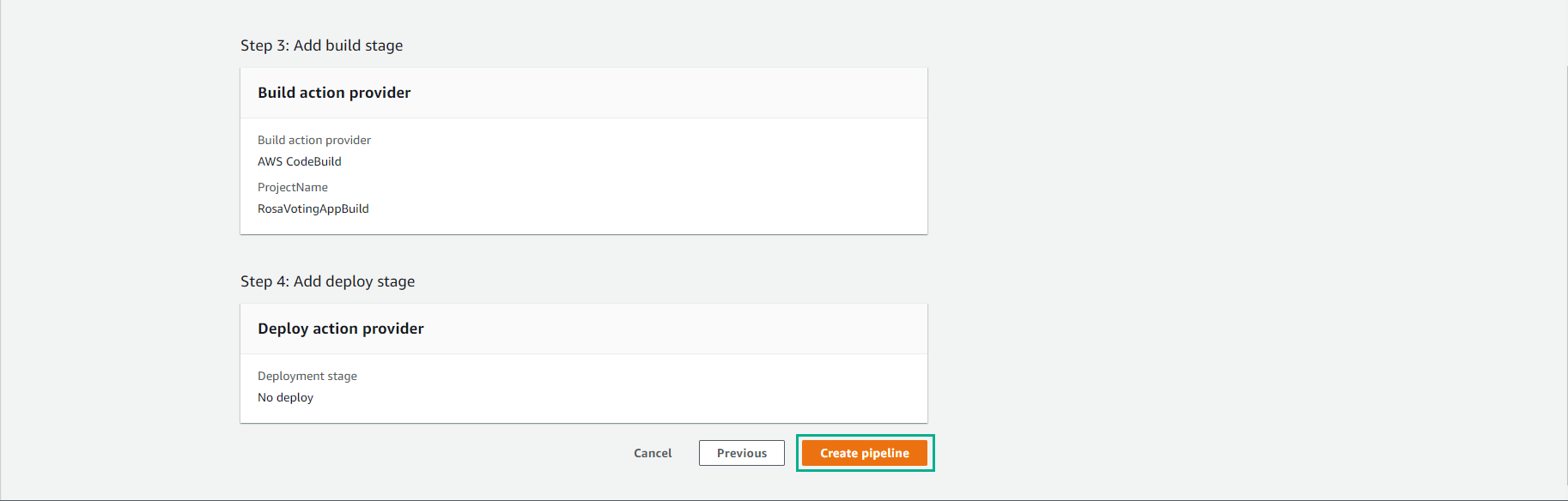
- Create Pipeline successfully.
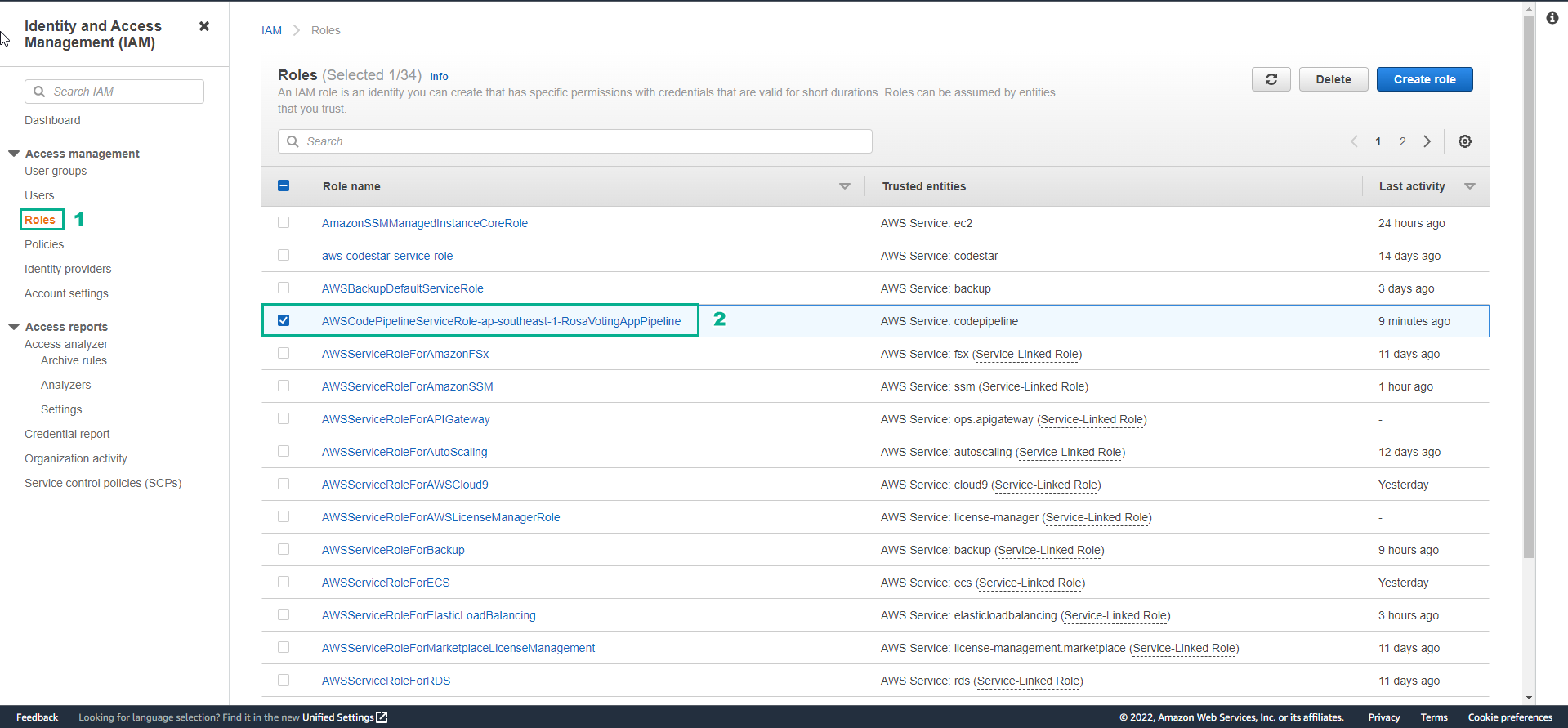
Update service role for CodePipeline
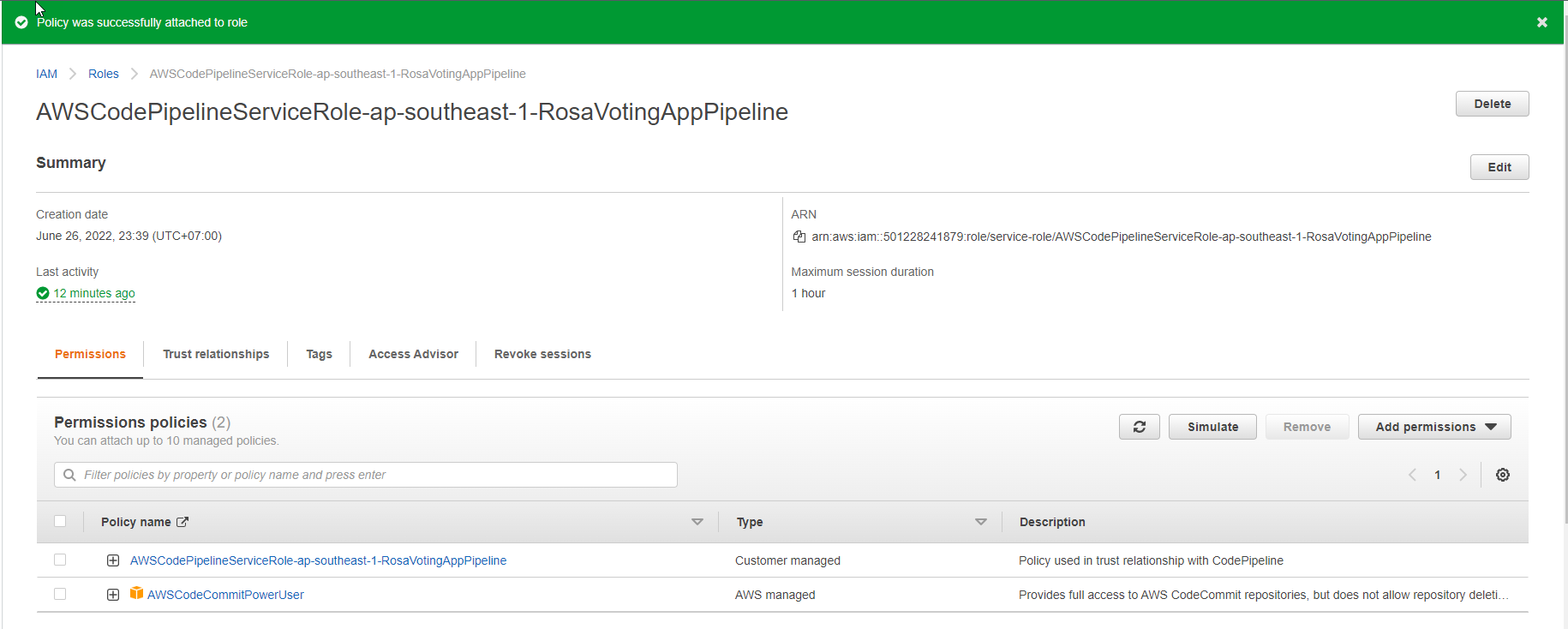
- Assign the AWSCodeCommitPowerUser policy to the CodePipeline service role
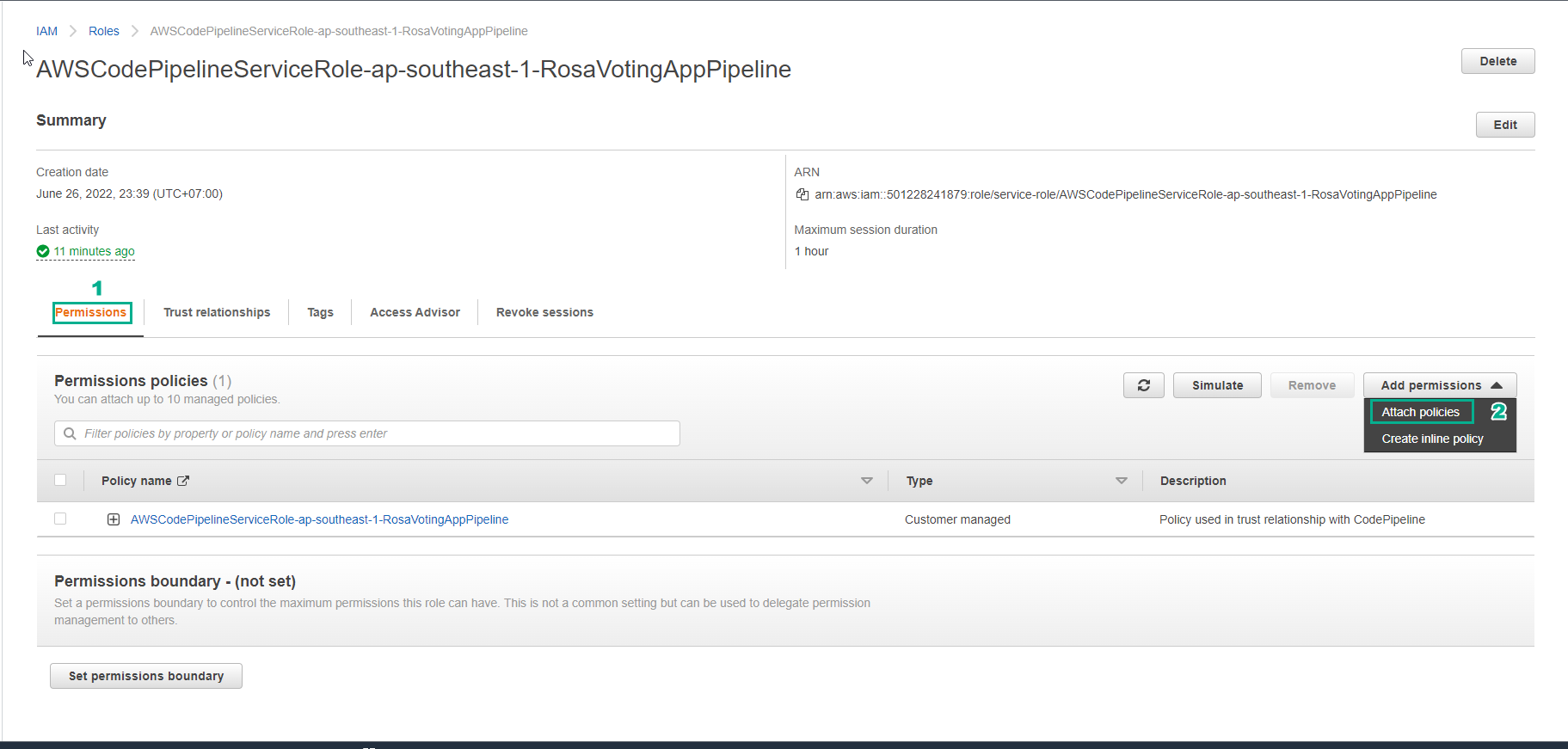
- Select Attach policies
-
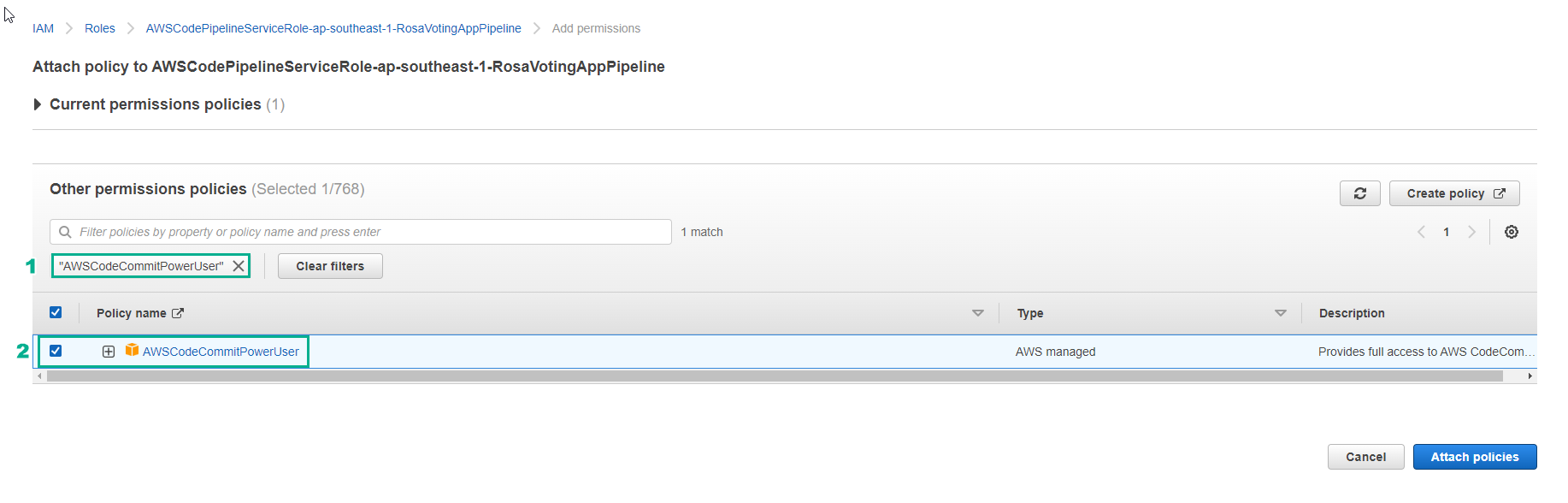
Find and select AWSCodeCommitPowerUser
- Select Attach policies
- Complete policy assignment
- To check if the pipeline is fired on code changes, let’s try editing the buildspec.yml file.
version: 0.2

phases:
  pre_build:
    commands:
        - echo Hello World
        - echo Testing codebuild flow
  post_build:
    commands:
        - echo Test successful!
        - echo Another pipeline has been triggered
- Update code to CodeCommit to trigger pipeline
git add buildspec.yml
git commit -m "test new pipeline"
git push
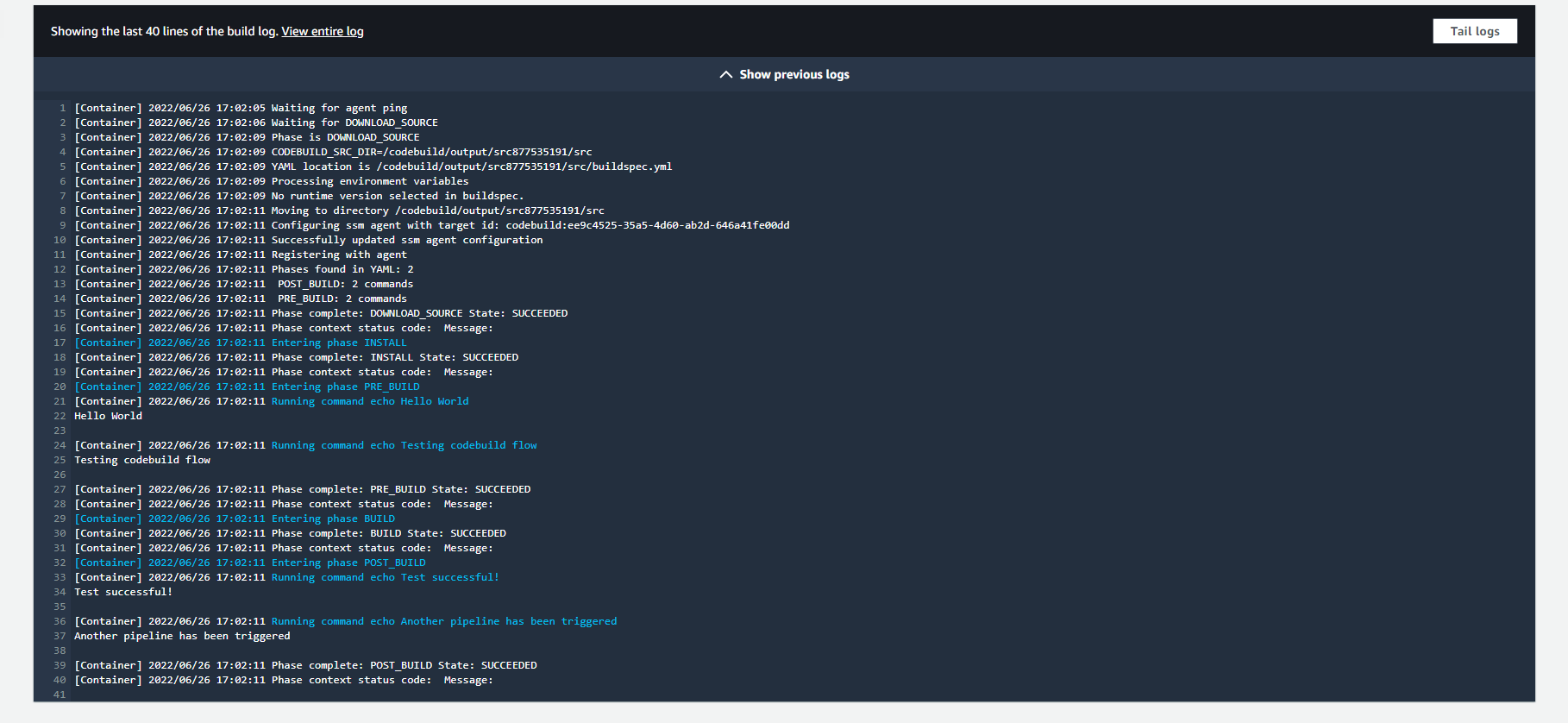
- You will see that the pipeline will be successfully initialized and running with the commands being run as the ones that have been updated in the buildspec file.
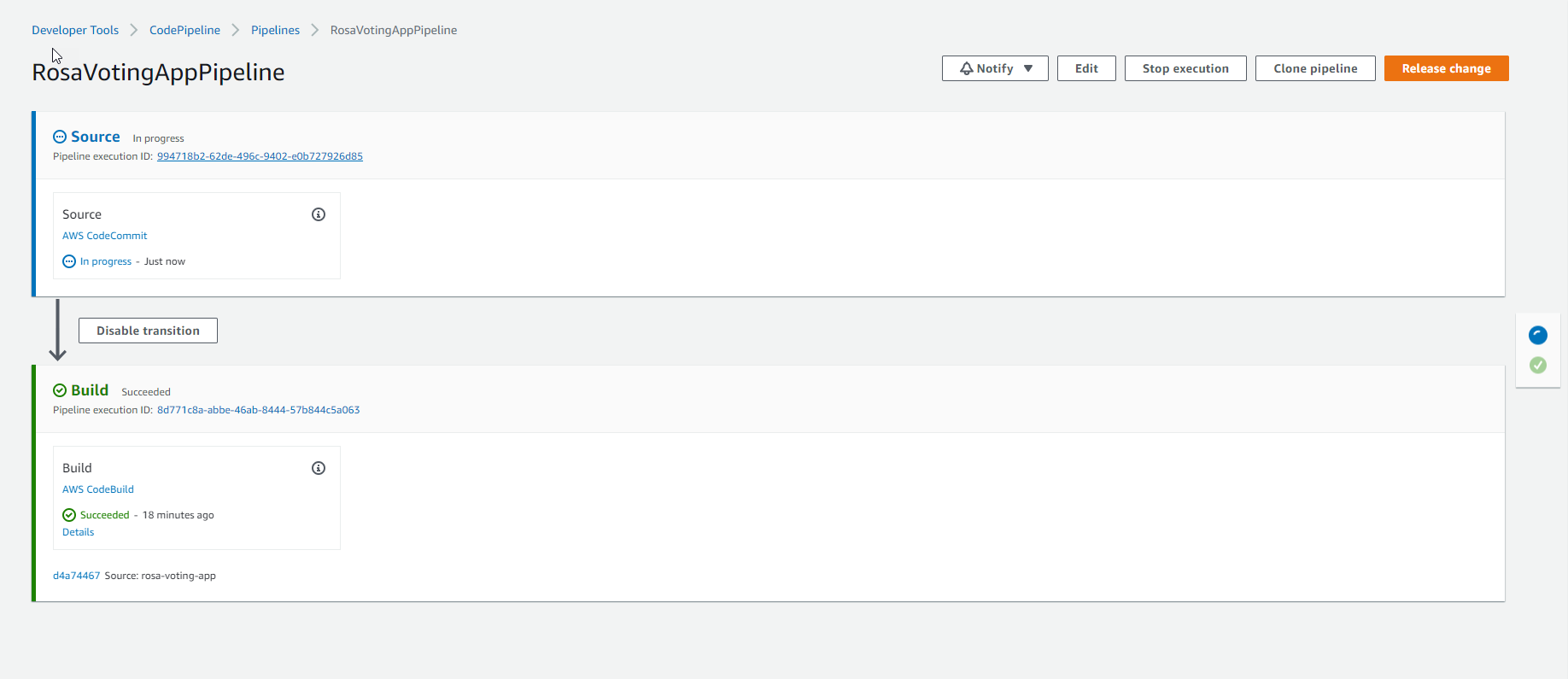
- Complete Pipeline
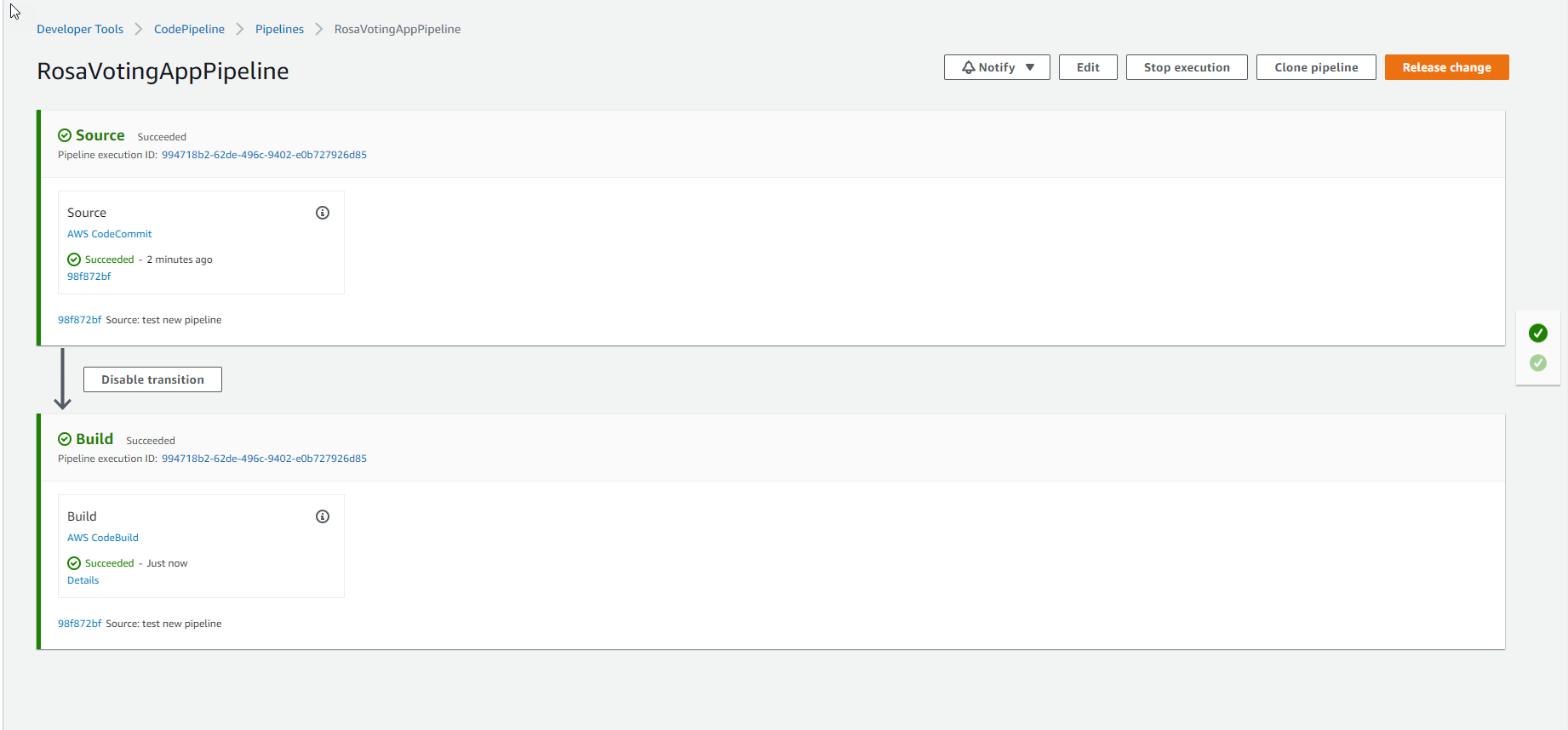
- View the pipeline running log.